
Congratulations
Thanks for Purchasing Tik Analyzer, the Download Details are Given Bellow...
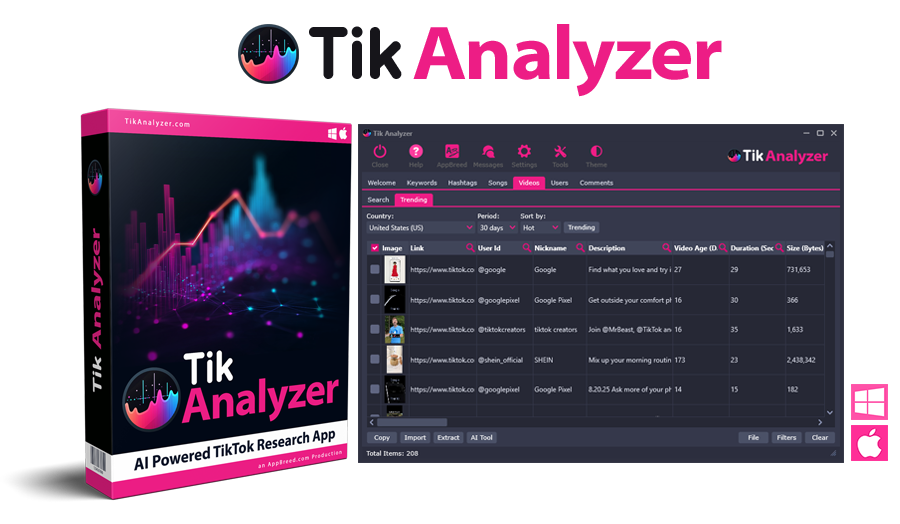
Congratulations for taking action and welcome to the AppBreed Software family!
A message has been sent to your email address. If you do not see that message within 5 mins, please check your spam folder. See how to whitelist our email here
Here is how to get access to your new Tik Analyzer software:
Step 1: Please watch the installation video below for the computer type you are going to install the software on.
NOTE: Mac users must allow the software to be installed, please watch the help video below on how to get past the alert message.

How to install and activate the software on your Windows computer

How to install and activate the software on your Mac computer (Mac Users Watch Video)
Step 2: Click the blue button below to get to the download page and enter the email used when purchasing. NOTE: The extra bonuses are also located at the bottom of the download page.
Support: If you need assistance, Click here to our support help desk
Earn 50% Commissions with Our Affiliate Program
If you are interested in promoting Insight Analyzer and earn 50% commissions for every sale, click here to see details about our affiliate program (link opens in new window)

the developer
I'm Dave Guindon
Congratulations for taking action and investing in your business. I look forward to providing you the best software and services delivering more options than other product owners.
"From our family to yours, we thank you for your support and I'll talk to you soon"
Dave Guindon
B.Eng., M.A.Sc. in Electrical Engineering
Software Developer/Webmaster
Online Marketing Entrepreneur
Copyright © 2026 TikAnalyzer.com. All Rights Reserved